
How to extract emails from a website (free, no code)
You need the email addresses on a page — or across a whole list of sites — in a spreadsheet. Here is the free, no-code way to extract them, all in your browser.
You have a page — a directory, a team page, a set of business listings — and you need the email addresses in a spreadsheet. Copying them one by one is tedious, and most “email finder” tools charge per lookup and send your list to their servers. There is a free way that runs entirely in your browser.
This guide is for anyone who needs published contact emails in bulk — sales and SDR teams building a prospect list, agencies compiling outreach contacts for a campaign, recruiters collecting company or candidate emails, and researchers gathering public contact data. It covers extracting emails from any website — from a single page or across a whole list of sites — using the free Grabby email extractor Chrome extension, then exporting the result to CSV, Excel or Google Sheets.
Where published emails actually live
Knowing where sites put their addresses explains what an extractor can and can’t find. The most common patterns, roughly from easiest to hardest to pick up automatically:
- Plain text. An address typed straight into a footer, contact page or About page —
[email protected]sitting in the HTML as ordinary text. The simplest case. - mailto: links. A “Contact us” or “Email us” link whose
hrefismailto:[email protected], even if the visible link text just says “Email us”. - Light obfuscation. Text written as
name [at] company [dot] comorname (at) company.comto throw off simple crawlers while still being readable to a person — and to a pattern-aware extractor. - Script-based protection. Some sites (Cloudflare’s email obfuscation feature is a common example) encode the address and decode it with JavaScript only in the visitor’s browser. This keeps the raw address out of the page’s source entirely.
- Images or contact forms only. An address baked into an image, or a site that only offers a contact form with no address published anywhere. There is nothing extractable here, because nothing plain-text is actually on the page.
Grabby’s email extractor reads the page as rendered in your browser and reliably catches the first three patterns — plain text, mailto: links, and light “at/dot” obfuscation — which covers the large majority of business sites. Be honest with yourself about the last two: heavily protected or image-only addresses may not come through, because there’s no plain text to read in the first place.
Is it legal to extract emails from a website?
Short answer: reading and collecting addresses that are already publicly published is generally accepted, but what you do next is where the actual rules live. This is general guidance, not legal advice — for a large campaign or a regulated industry, check the specific terms involved and talk to a lawyer.
Personal data vs. role addresses. A named work email like [email protected] usually counts as personal data under the EU’s GDPR and similar laws, because it identifies a specific person. A role address like [email protected] or [email protected] isn’t tied to a named individual and generally carries lower risk — which is one reason many outreach programs prefer role addresses where the message genuinely fits.
GDPR and legitimate interest. Collecting and using business contact data isn’t banned outright, but it needs a lawful basis. B2B outreach commonly relies on legitimate interest (Article 6(1)(f)) rather than consent, on the basis that a relevant, role-appropriate message is something the recipient might reasonably expect. That relies on the message actually being relevant, on weighing your interest against the person’s rights, and on giving them a real, working way to object (Article 21) that you then honour. Separate ePrivacy and electronic-marketing rules add consent requirements on top of this in the EU and UK, and they differ by country.
CAN-SPAM in the US. Commercial email in the US runs on an opt-out model: you don’t need prior consent to send it, but the message needs accurate header and “from” details, a clear ad disclosure, a valid postal address, and a working unsubscribe link you honour within 10 business days. It governs how you email someone, not whether extracting a public address was allowed.
Terms of service. Separately from privacy law, the site itself may restrict automated collection in its terms. Reading pages you’ve already loaded, in your own browser and at a human pace, behaves very differently from a bot farm hammering a server — but it doesn’t override a site’s terms. Review them, and don’t pull more than you actually need.
In short: extracting a published address is usually the easy part. The responsibility is in what you send, to whom, how often, and honouring it the moment someone asks to be left alone.
Three ways to get emails off a page
| Approach | Cost per record | Freshness | Compliance | Effort |
|---|---|---|---|---|
| Manual copy-paste | Free, but your time scales with every address | Exactly what’s on screen right now | You see and choose every address individually | High — one page, one address at a time |
| No-code extractor (Grabby) | Free — no per-record fee, just your time | Real-time — reads the live page(s) you point it at | You decide what to collect; still your job to use it lawfully | Low — one page or a whole list, in minutes |
| Paid email-finder / verifier | Per-credit or subscription pricing, used or not | Depends on the vendor’s own database refresh | Vendor sources the data; you’re still responsible for how you use it | Low, plus often includes built-in verification |
A paid finder can guess likely addresses (like a common first.last@ pattern) even when nothing is published, and some bundle verification. A no-code extractor like Grabby only surfaces what a site has actually put on the page — it won’t invent an address for a business that hasn’t listed one.
What you’ll need
- Google Chrome, Microsoft Edge, or Brave.
- The free Grabby extension — no account, no API key, runs locally.
- The page (or list of pages) you want emails from.
Method 1: emails from a single page
Open the page — a contact page, a directory listing, a conference speaker list. Click the Grabby icon to open its side panel and choose Scrape Emails. Grabby scans the rendered page and collects every address it finds, including mailto: links and lightly obfuscated text like name [at] company.com. You get a clean, de-duplicated list in seconds.
Method 2: emails across a whole list of sites
The real time-saver is pulling emails from many sites at once — for example, every business from a directory or Maps search. Two ways to do it:
- From a column of links you scraped. Scrape a directory into a table (names, websites, and so on) using detail-page scraping, then have Grabby follow the website column and pull the email from each site — merged back into the same row.
- From a pasted list of URLs. In Scrape Pages, paste or upload a list of website URLs and run the email extractor across all of them in one go.
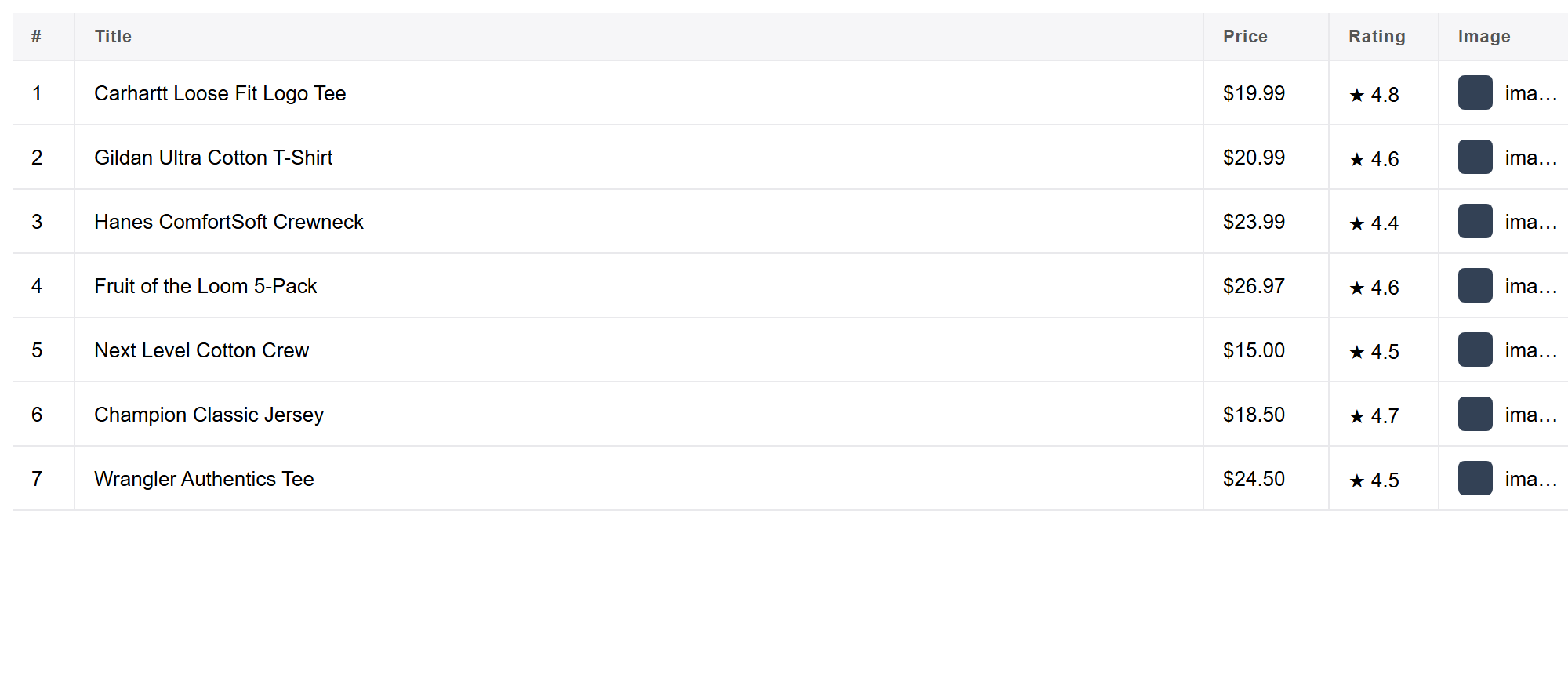
Either way, Grabby visits each page in your own browser session and returns one combined table of sites and their emails.
Clean and export
Your results open in an editable table. Remove duplicates, drop role addresses you don’t want (like noreply@), and rename columns, then Export to CSV, Excel or JSON — or copy the table straight into Google Sheets. Nothing is uploaded; the list stays on your machine.
Advanced: deduping, hygiene and verification
- De-dupe by address, not just row. The same email can appear on several pages of the same site, or across multiple sites you extracted from — dedupe on the email column itself before you export.
- Separate role from personal addresses. Tag or filter
info@,sales@,support@and similar into their own group. They’re generally the lower-risk, more scalable target for outreach; named personal addresses deserve a more targeted, relevant message. - Verify before a big send. Scraped addresses can be stale — a former employee, a decommissioned inbox, a typo baked into the original page. Running the list through a verification step (confirming the domain has valid mail servers and the mailbox accepts mail) before volume outreach protects your sender reputation, since a high bounce rate is one of the fastest ways to land future email in spam.
- Segment by domain or category. If you extracted emails alongside other scraped columns (category, location, company size), use them to split one big list into targeted campaigns instead of a single generic send.
- Honour opt-outs. Keep a suppression list of anyone who has unsubscribed or objected, and check new extractions against it before every send.
Who uses this
- Sales and SDR teams building a prospect list from a directory, marketplace or set of company sites.
- Agencies compiling outreach contacts for a client campaign across many small-business sites.
- Recruiters collecting company or public contact emails when sourcing for a role.
- Researchers and journalists gathering public contact information for interviews or surveys.
- Event organisers compiling speaker, sponsor or exhibitor contact lists from a conference or directory site.
Frequently asked questions
Is it really free? Yes. Grabby is free while in early access, with every feature unlocked and no sign-up. The email extractor runs entirely in your browser.
Can it grab emails from many pages at once? Yes. Give Grabby a list of URLs — pasted, from a CSV, or from a column of links you scraped — and it visits each one and pulls the emails, then merges everything into one table.
Where do the emails come from? Grabby reads the addresses visible or linked on the page you loaded, including mailto: links and lightly obfuscated text like name [at] company.com. It doesn’t guess or buy addresses — it extracts what’s already published.
Does it handle obfuscated emails? It catches common patterns like mailto: links and “name [at] domain [dot] com” text. Addresses hidden behind heavier protection, such as an image, a contact form with no address shown, or a script-based obfuscation service, may not be recoverable, since nothing plain-text is actually published.
Is scraping emails legal? Extracting publicly published business emails is generally fine, but email addresses can be personal data. Follow privacy laws such as GDPR and anti-spam rules like CAN-SPAM, only contact people with a legitimate reason, and review each site’s terms. (Not legal advice.)
How do I keep the list deliverable? De-dupe it, separate role addresses (info@, sales@) from named personal ones, and run it through an email verification step before a large send — a high bounce rate damages your sender reputation fast.
What can I export to? CSV, JSON or Excel, or copy the table straight into Google Sheets. Everything is local, so the list is yours.
Does it work on pages with anti-bot protection? It works on virtually any page you can browse normally. Sites with aggressive anti-bot defences may block automated extraction, and Grabby does not solve CAPTCHAs.
Turn emails into a lead list
Emails are most useful next to names, phones and websites. See our guides to scraping Google Maps business leads, scraping a business directory into a lead list, and scraping any website to Excel without code, then use the method above to add an email column to every row.